
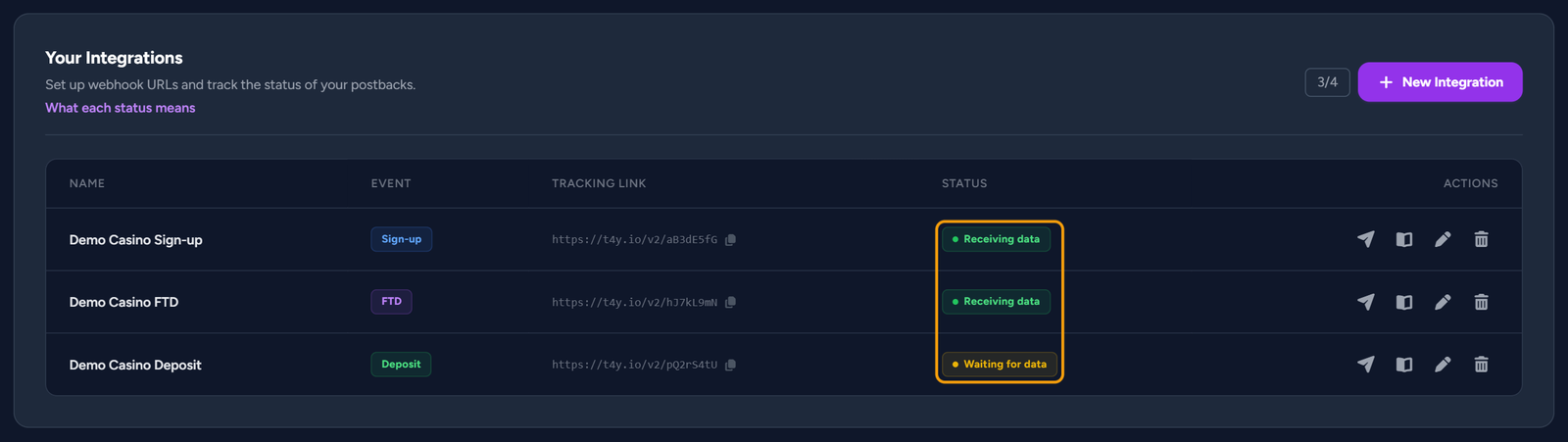
Integration in "Waiting for data" or "Invalid data"
"Invalid data"
The platform sent the postback, but without the click_id parameter. Check on the platform:
- The key in the URL is written exactly as
click_id=(notclickid=,click=,afp=,subid=). Even if the "URL Identifier" is something else, the key in the postback URL is alwaysclick_id. - After the
=comes the platform's macro (e.g.{click_id},{afp},[subid]), not Track4you's{{click_id}}placeholder. - The macro exists on the platform and returns the value received in the parameter the integration uses. Check the platform's postback documentation or ask its support.
Fixed it? On the next conversion that arrives correctly, the status goes back to "Receiving data".
"Waiting for data"
No postback has arrived yet. Check:
- The URL was saved on the right event on the platform (the FTD integration on the FTD postback, and so on).
- The test conversion came from the tracking link (
https://t4y.io/v2/...). A lead who went straight to the platform's website, without going through the link, isn't tracked. - The address wasn't changed: the domain, the code after
/event/and theevent=are the same as on the "View Tutorial" screen. - The platform reads the right parameter. Open the tracking link and look in the address bar to see which parameter the identifier arrived in (e.g.
?click_id=...). The platform needs to read and store that parameter. If it uses another name, adjust the integration's "URL Identifier". See Edit or delete an integration.
A postback arrives, but the conversion doesn't show up in the history
The identifier sent back isn't the one Track4you generated on the click. Common causes:
- the macro returns other data (e.g. the user's ID on the platform, not the click id);
- the platform cuts or changes the value (it has 36 characters, with hyphens);
- the lead didn't go through the tracking link.
For the platform's technical team, send the Integration technical guide: it has the exact format of what goes out and what needs to come back, with a checklist and a test example.
Still have questions? Talk to support.