
Event types: Sign-up, FTD, Deposit and Custom
The "Event Type" sets which conversion from your platform the integration takes to the pixel, and the name it arrives with in Meta.
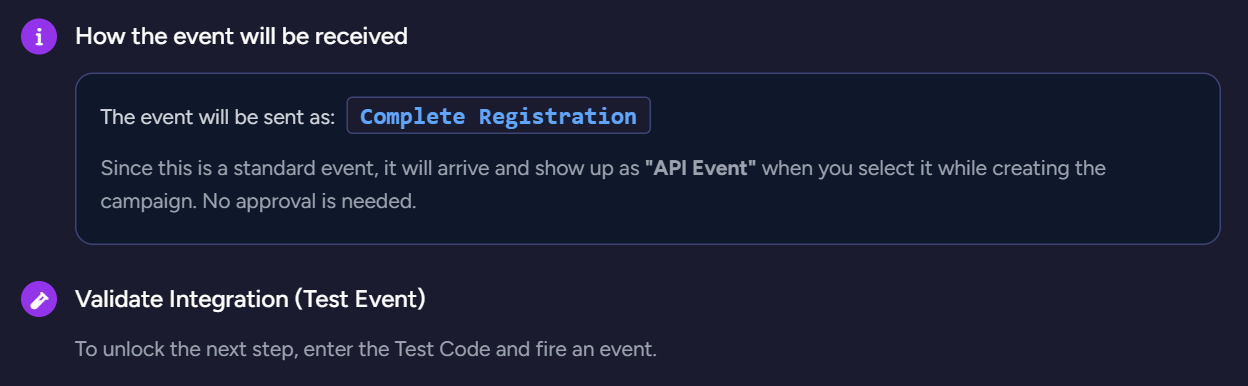
| Event Type | When to use it | Reaches the pixel as | Approval in Meta | Receives the value through the postback |
|---|---|---|---|---|
| Sign-up | The lead created an account on the platform | Complete Registration (CompleteRegistration) | Not needed: it shows up as "API Event" in the campaign | No |
| FTD | The lead's first deposit | FTD | Needs to be confirmed in Events Manager | Yes |
| Deposit | Deposits in general | Purchase (Purchase) | Not needed: it shows up as "API Event" in the campaign | Yes |
| Custom | Any other event (e.g. qualified lead, bet placed) | The name you type | Needs to be confirmed in Events Manager | No |
Which one to choose to optimize campaigns
- To scale with quality, optimize for the event closest to the money that has volume: usually FTD or Deposit.
- If your FTD volume is still low, start with Sign-up and move up to FTD when the numbers grow.
- You can create one integration for each event (Sign-up, FTD and Deposit) and send them all to the same pixel.
Custom event
When you choose "Custom", the event name field shows up (e.g. qualified_lead). Use lowercase letters and _, with no spaces or accents: that's how it will show up in Meta. Each name can only be used in one integration.
Approving FTD and Custom
For Meta, these are custom events. After the first send, open Events Manager, "Test events" tab, and confirm the event that shows up with the warning (⚠️). Without that, it doesn't show up when you create the campaign.
Conversion value
FTD and Deposit receive the deposit amount through the postback URL (amount parameter). The value shows up in the "Value" column of the Event History. See how to set it up in the Technical guide.
The event type doesn't change once the integration is finished
After the integration is finished, the "Event Type" is locked. To change it, create a new integration.