
Edit, view the tutorial or delete a funnel
Each funnel in the "Funnel List" has three actions at the end of the row: "View Tutorial" (book), Edit (pencil) and Delete (trash can).
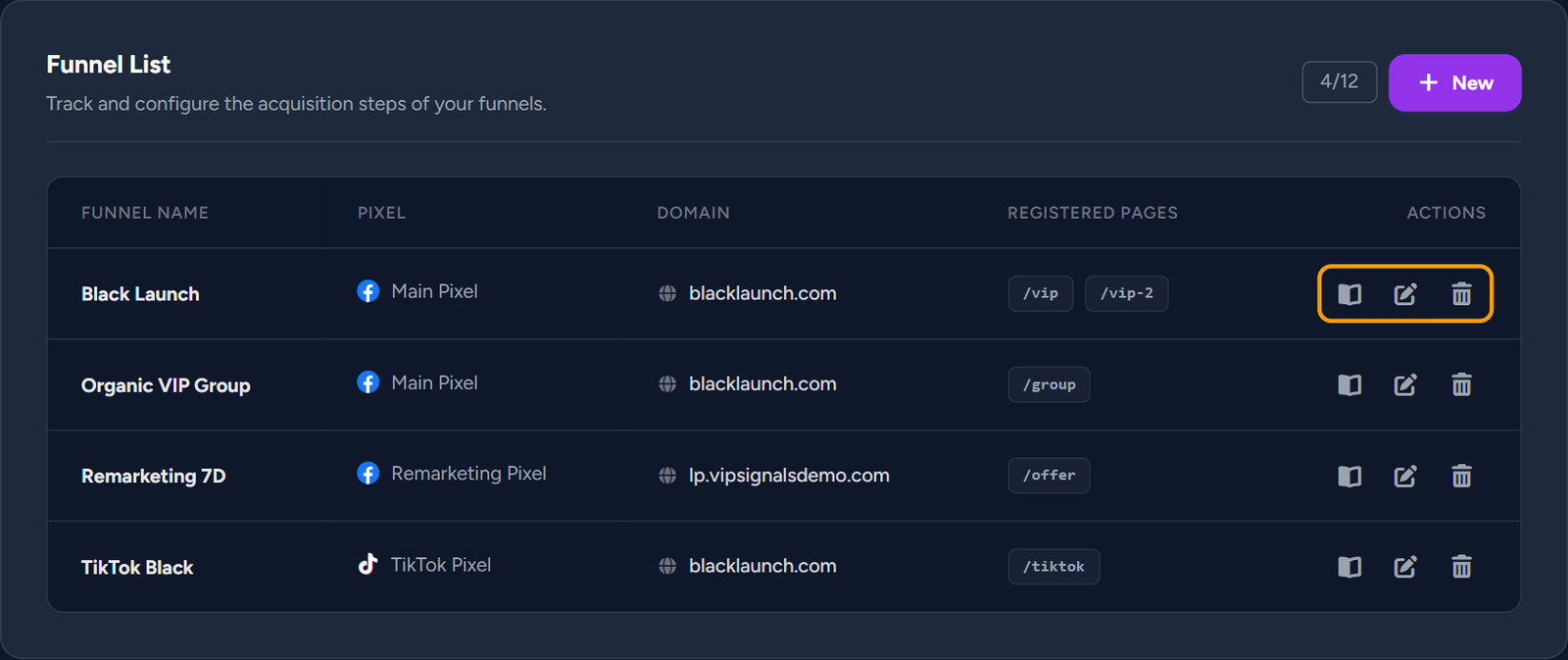
View Tutorial: copy the script and the link again
Click the book icon. The "Installation Tutorial" modal shows:
- "Add this code to your website's Head": the script for the header of the pages.
- "Use this link for people to join your Group": the join link for the button.
Use the "Copy" button for each one. It's the fastest way to get the script and the link whenever you need to build a new page. See Install the script on your page and Set up the page button.
Edit a funnel
Click the pencil on the funnel row. The "Edit Funnel" modal opens.
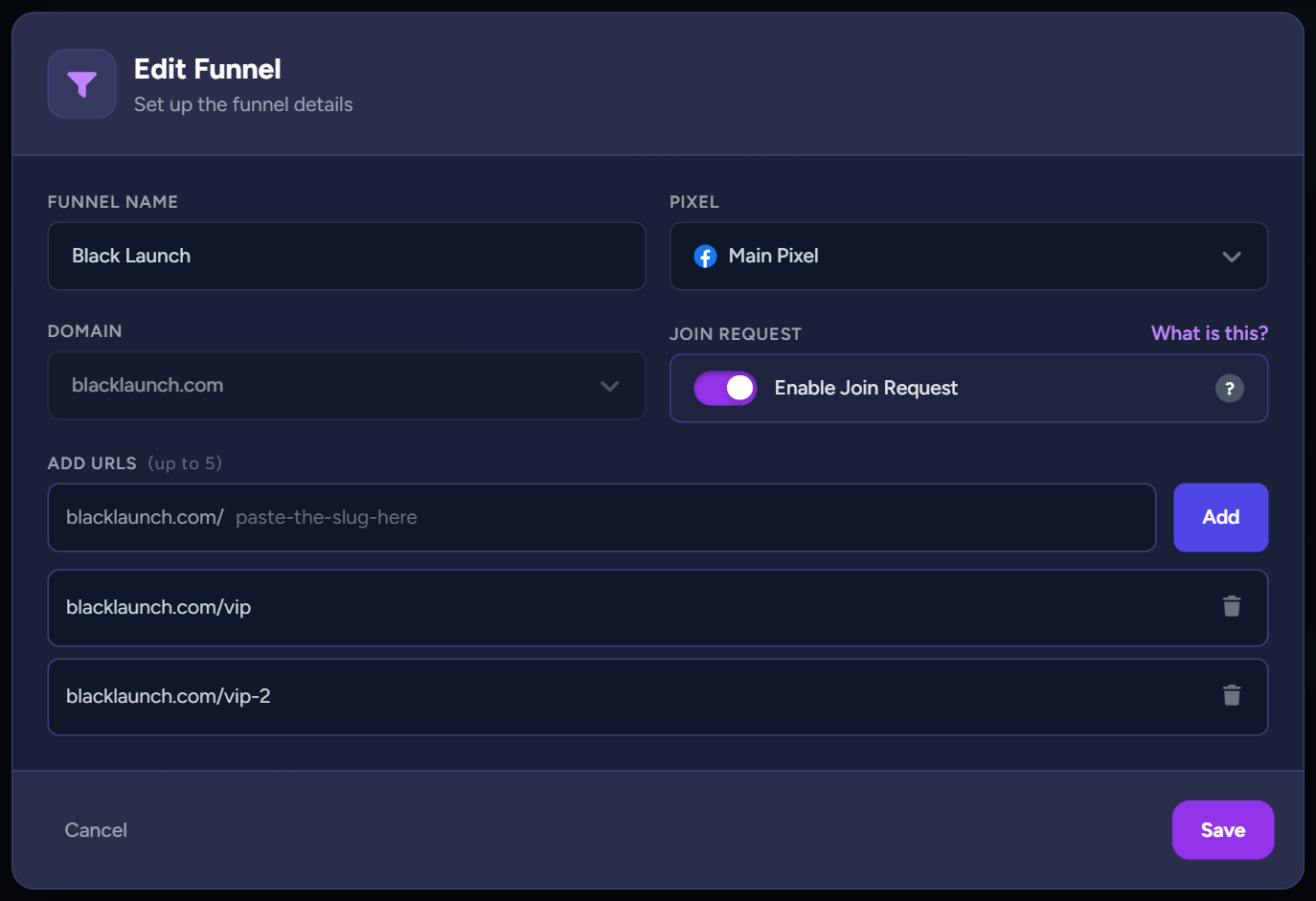
Change what you need:
- "Funnel Name".
- "Pixel": the pixel that receives the funnel's conversions.
- "Enable Join Request": turn it on or off. See Join Request in the funnel.
- Pages: add them in "Add URLs" (up to 5) or remove them with the trash can.
Click "Save".
The script and the join link stay the same after editing: you don't need to touch the pages or the buttons. Just install the script on any new pages you added.
Want to change the domain?
A funnel's domain can't change after it's created. To use another domain, create a new funnel with it. See Create a funnel.
Delete a funnel
Click the trash can on the funnel row.
Check the funnel name in the "Delete the funnel?" message and click "Delete".
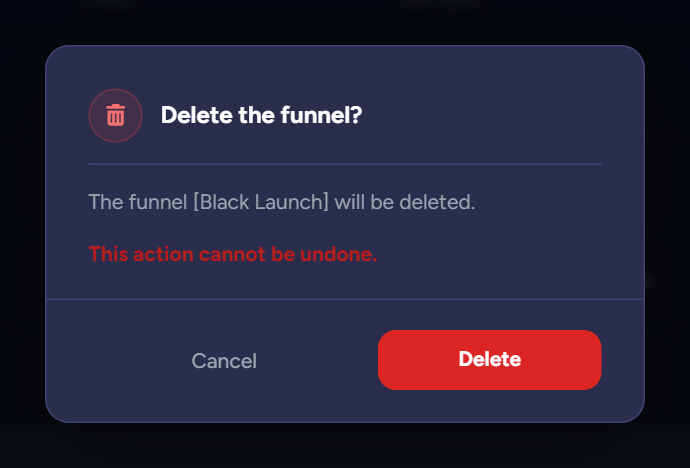
Deleting is permanent
There's no undo. Joins through that funnel stop being tracked: before deleting, change the join link on the pages and buttons that used the funnel. Once the funnel leaves the list, it also frees up a slot in your plan's limit.
How to check it worked
- Edited: the "Funnel List" shows the updated name, pixel and "Registered Pages".
- Deleted: the funnel disappears from the list and the counter next to "New" goes down.
Common problems
- "This domain + URL combination is already registered in another funnel.": the page you want to add is already in another funnel. Remove it from the other funnel first.
- "You already have a funnel with this name.": choose another name.
- I can't delete a domain or pixel: domains and pixels used by a funnel can't be deleted. Edit the funnel to use another pixel or delete the funnel first. See Edit or delete a domain.