
I can't create a domain, pixel or funnel
Symptom: you click "New" in Domains, Pixels, Funnels or Postbacks and can't create the item.
These are the possible causes. See which one is yours.
1. A subscription notice opens
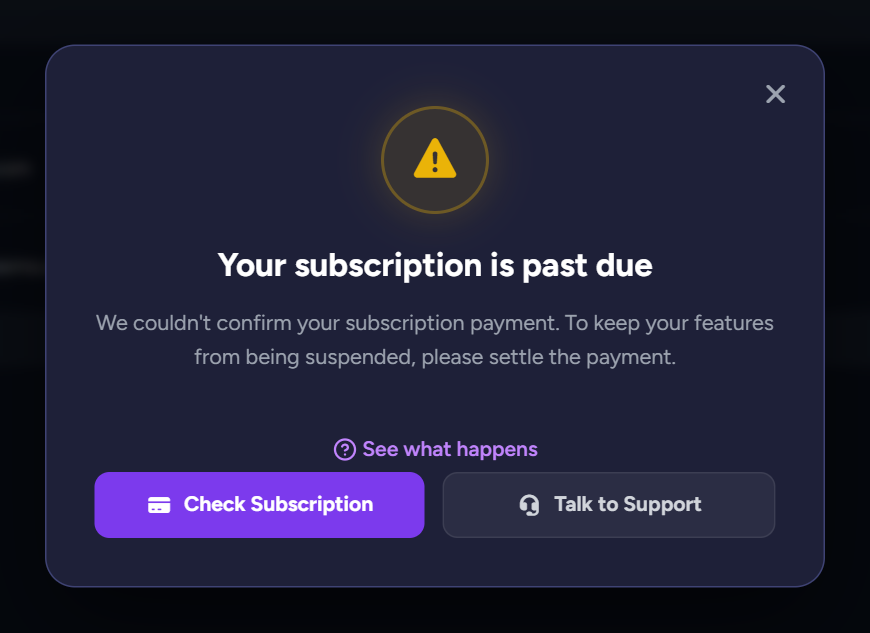
Your subscription isn't active (overdue payment, canceled or no plan). To create new items, your subscription needs to be up to date. Click "Check Subscription" (or "Renew Subscription", if it was canceled) and settle the payment. See Overdue payment or canceled subscription.
2. Your plan has reached its limit
Look at the counter next to the "New" button (e.g. "4/4"; it doesn't show on your phone). If it's at the maximum, your plan already has all the items it includes:
| Feature | Starter | Pro | Enterprise |
|---|---|---|---|
| Domains | 2 | 4 | 8 |
| Pixels (Meta and TikTok combined) | 2 | 4 | 8 |
| Funnels | 6 | 12 | 24 |
| Integrations | not included | 4 | 12 |
| Postbacks | 4 | 4 | 4 |
| Channel | 1 | 1 | 1 |
To create more:
- free up room by deleting an item you no longer use; or
- move to a bigger plan. See Change your plan.
A domain or pixel in use can't be deleted
A domain or pixel linked to a funnel can't be deleted (you'll see "This domain cannot be deleted because it is linked to a funnel." or "This pixel cannot be deleted because it is linked to a funnel."). Delete the funnel first (for a pixel, you can also edit the funnel and choose another pixel).
3. An item that comes first is missing
The funnel links channel, pixel and domain. That's why the order is always: Channel → Domain → Pixel → Funnel.
- "Create a Channel before creating a funnel.": connect the channel first. See Connect your channel to Track4you.
- The "Pixel" or "Domain" lists don't open in the funnel: there's no pixel or domain added yet. See Add your domain and Add the pixel to Track4you.
- A pixel shows up disabled, with the "Paused" badge: it's a TikTok pixel outside your plan. See TikTok pixel status and errors.
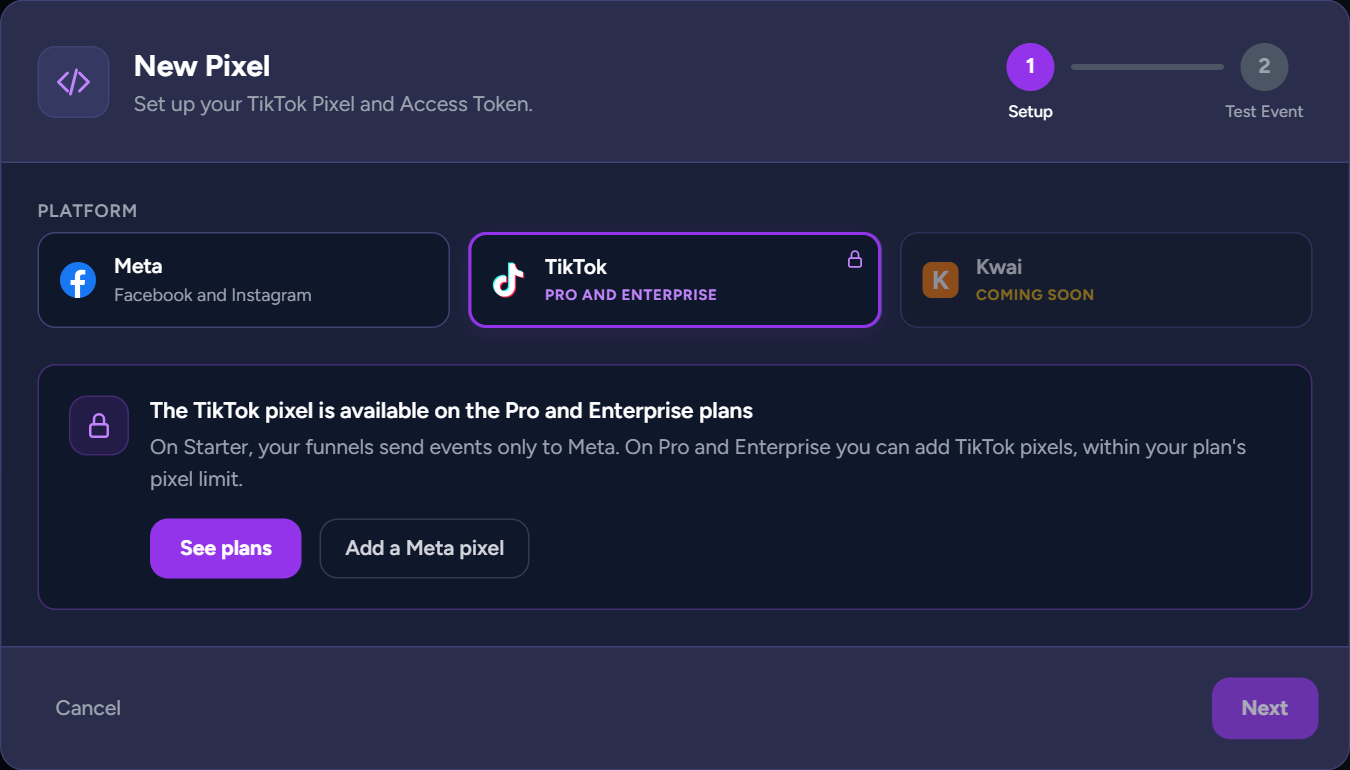
4. TikTok card with a padlock
In "New Pixel", the "TikTok" card with a padlock and "PRO AND ENTERPRISE" means your plan doesn't include the TikTok pixel. Starter only has Meta. Click "See plans" to change plans or "Add a Meta pixel" to go on with Meta. See Change your plan.
Other messages when creating
- "Invalid domain": type the full domain, with the dot (e.g.
blacklaunch.com). - "The domain "..." has already been added": that domain is already on your list.
- "Pixel ... has already been registered for this user.": that pixel is already added.
- "Invalid token" or "Invalid Pixel ID": copy the ID and the token again from Meta Events Manager. See Where to find the pixel ID and the token.
- "Invalid or expired TikTok Access Token." or "Access Token without access to this TikTok pixel.": see Add the TikTok pixel to Track4you.
- "This domain + URL combination is already registered in another funnel.": each page can only be in one funnel. Use another page or edit the funnel that already has it.
- Repeated funnel name: each funnel needs a different name.
What about a locked menu item?
- Integrations with a padlock: the Starter plan doesn't include Integrations. Move to Pro or Enterprise.
- Messages with a padlock: connect the channel and create at least one funnel with "Enable Join Request" turned on. See Join Request in the funnel.
Still can't do it? Contact support.