
Add your domain
The domain is the address where your landing pages live (e.g. blacklaunch.com). You add it once and use it in as many funnels as you want: it's the first step to get advanced tracking running on your pages.
Before you start
- An active subscription. Without one, the "New" button opens the subscription notice instead of the form.
- Your landing page address. Open the page in your browser and look at the address bar: the domain is what comes after
https://and before the first/. - Room in your plan. Starter: 2 domains · Pro: 4 · Enterprise: 8. See Plans and limits.
What to type
Type only the domain: no https://, no // and no page name.
| Your page address | What to add |
|---|---|
https://blacklaunch.com/vip | blacklaunch.com |
https://www.blacklaunch.com/vip | blacklaunch.com (with or without www., it's the same domain) |
https://lp.vipsignalsdemo.com/offer | lp.vipsignalsdemo.com |
A subdomain is a separate domain
lp.vipsignalsdemo.com and vipsignalsdemo.com are different domains. If you have pages on both, add both (each one counts toward your plan's limit). www. doesn't matter: add it only once.
Step by step
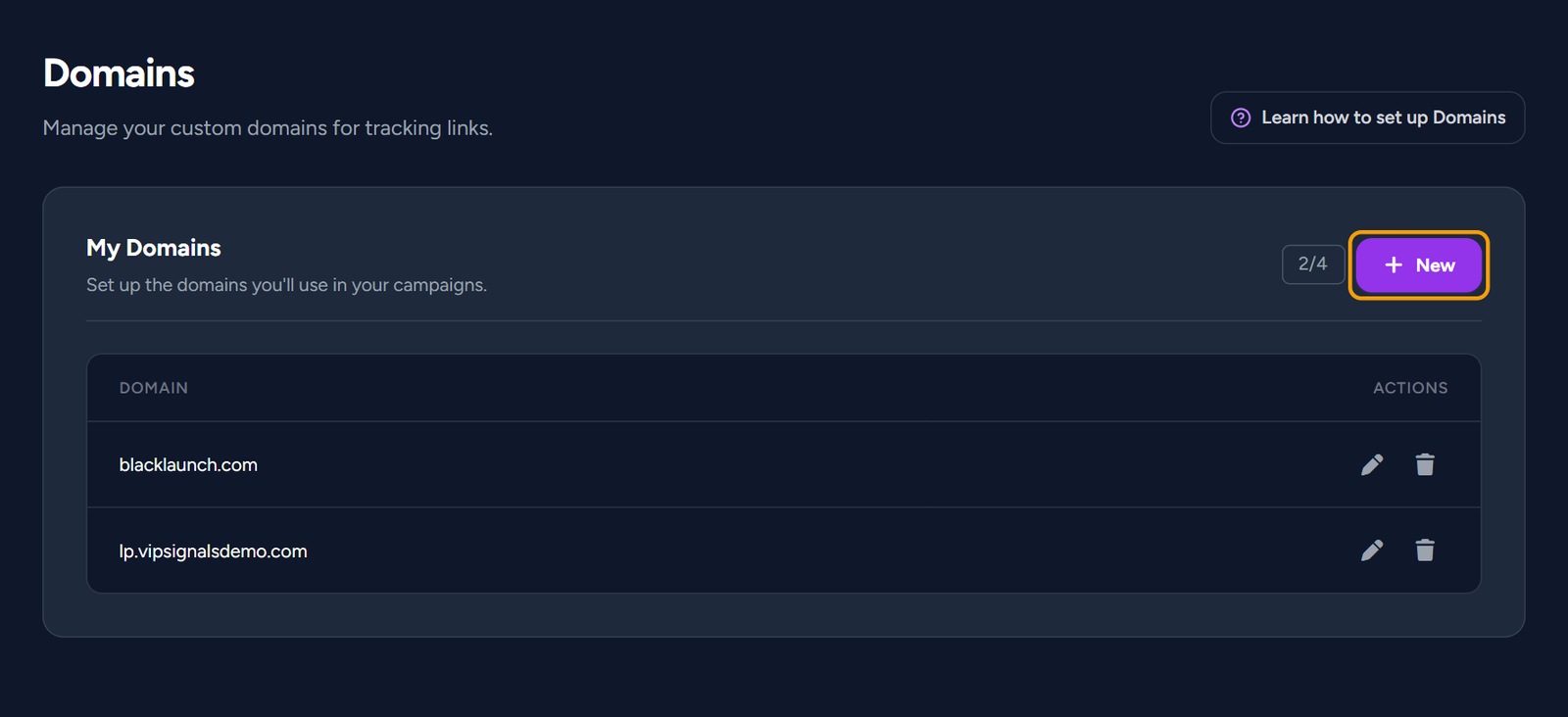
In the menu, open Domains and click "New".
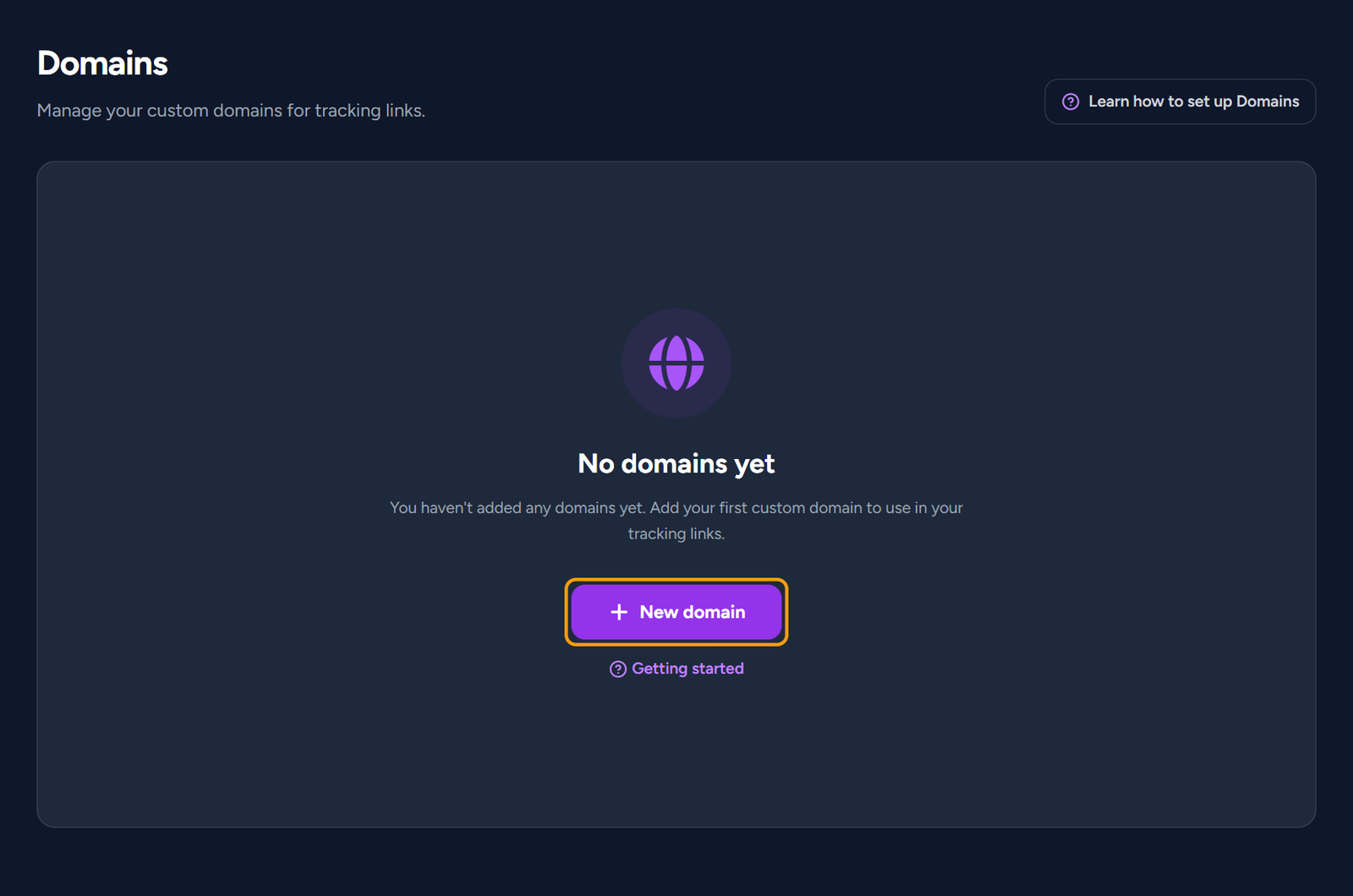
If you don't have any domains yet, the screen shows "No domains yet". Click "New domain".
In "Domain Address", type your page's domain (e.g.
blacklaunch.com). If you paste the full page address, the field removeshttps://and the path by itself. Click "Save".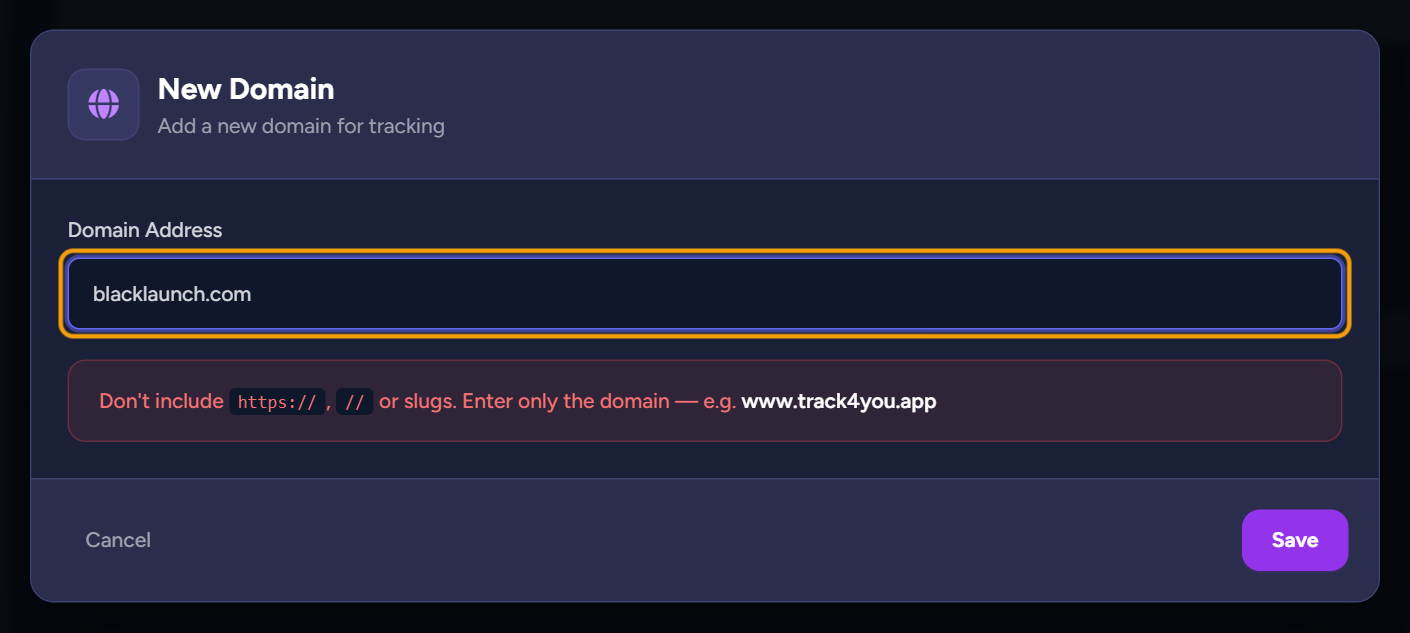
You don't need to change DNS or install anything on the domain right now. Tracking reaches the page when you create the funnel and install the script. See Create a funnel.
How to check it worked
- The domain shows up in the "My Domains" list.
- The counter next to the "New" button (e.g. "2/4") shows how many of your plan's domains you're using.
Common problems
- "Invalid domain": the address needs a dot, like
yoursite.com. Make sure you didn't type just the name. - "The domain "..." has already been added": that domain is already on your list. Use the one that's there.
- The "New" button opens the subscription notice: your subscription isn't active. See Overdue payment or canceled subscription.
- The counter is full (e.g. "4/4"): you've reached your plan's limit. Delete a domain you no longer use or change plans on the Plans page. See Change your plan.
Still have questions? Talk to support on WhatsApp.