
Change or recover your password
You always change your password through a secure link sent to your account email. If you're logged in, request the link in Settings. If you forgot your password, request it on the login screen.
Change your password (you're logged in)
At the bottom of the sidebar menu, click the channel card and then "Settings".
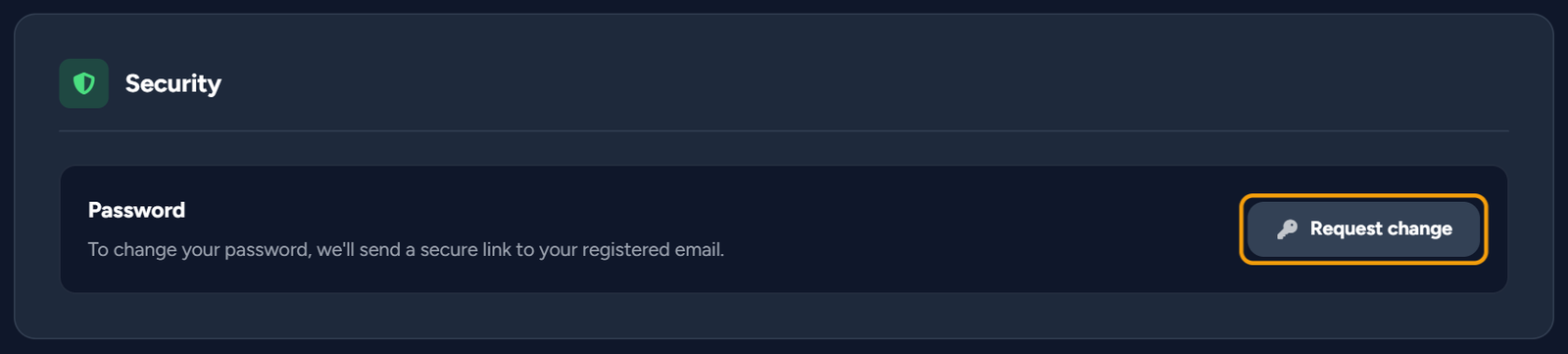
In the "Security" card, under "Password", click "Request change".
You'll see the message "We sent a password change link to your email. You may need to log out of your account to open the link."
Open the email and click the link. If the page opens in the app instead of the new password screen, log out (profile menu → "Log out") and click the link again.
On the "Reset Password" screen, type the "New Password" (at least 8 characters), repeat it in "Confirm Password" and click "Reset Password".
Log in with the new password.
Recover your password (you forgot it)
- On the login screen, click "Reset password?".
- On the "Forgot your password?" screen, enter your account email and click "Send Reset Link".
- You'll see the message "We have emailed your password reset link." Open the email and click the link.
- On the "Reset Password" screen, create the new password (at least 8 characters), confirm it and click "Reset Password".
- You go back to the login screen. Log in with the new password.
The link is valid for 60 minutes
Use the link soon after you get it. If it expires, request a new one.
Common problems
- The email didn't arrive: check your spam and promotions folders. Also check that you requested the link for the right email.
- "Wait a few minutes before requesting another password change." or "Please wait before retrying.": you requested the link a short while ago. Wait a minute and request it again.
- "We can't find a user with that email address.": use the email you bought the plan with, or the one in Settings.
- "This password reset token is invalid.": the link expired or was already used. Request a new one.
Couldn't do it? See I can't log in to my account or contact support.